
Mask To Motion
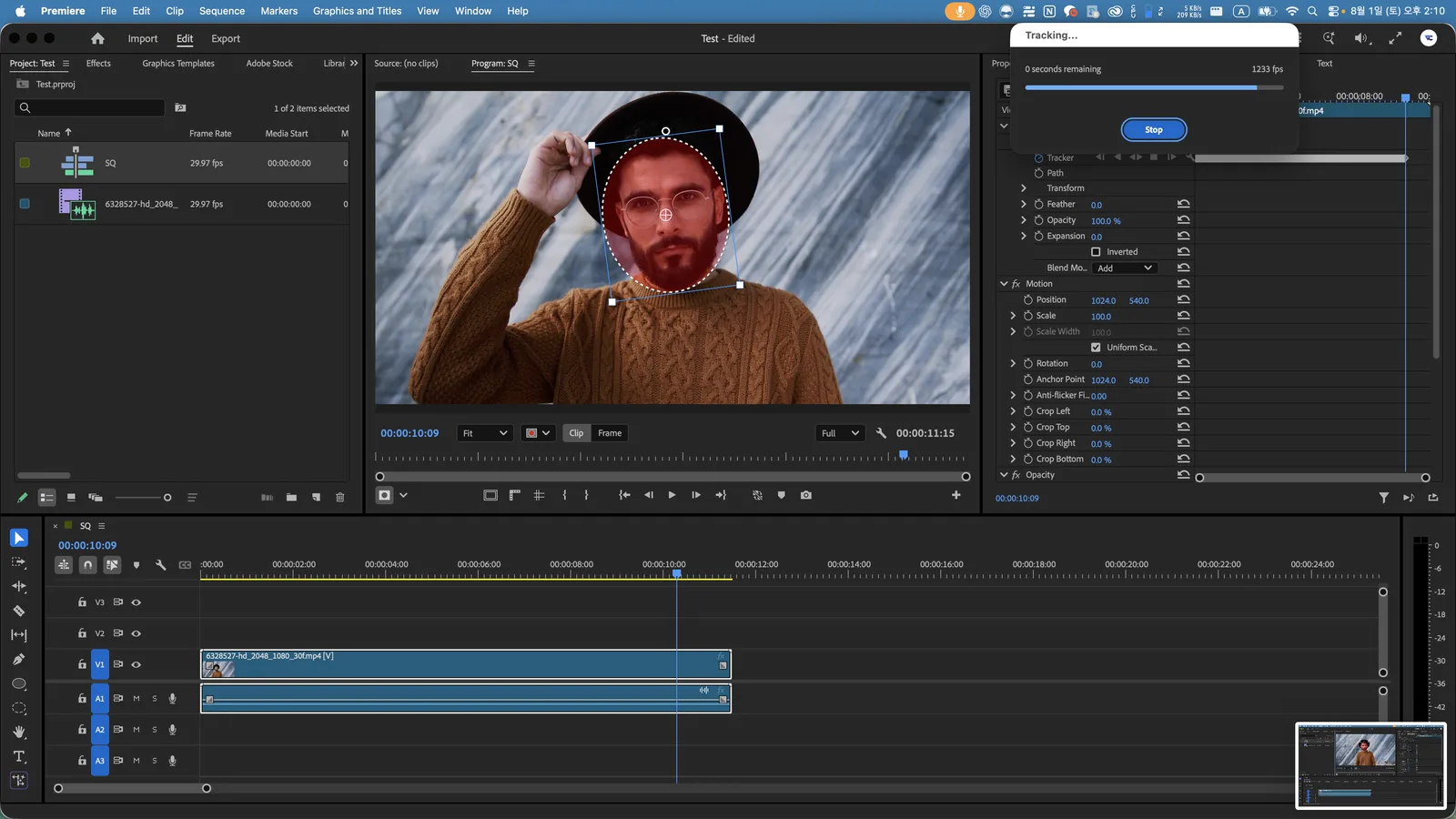
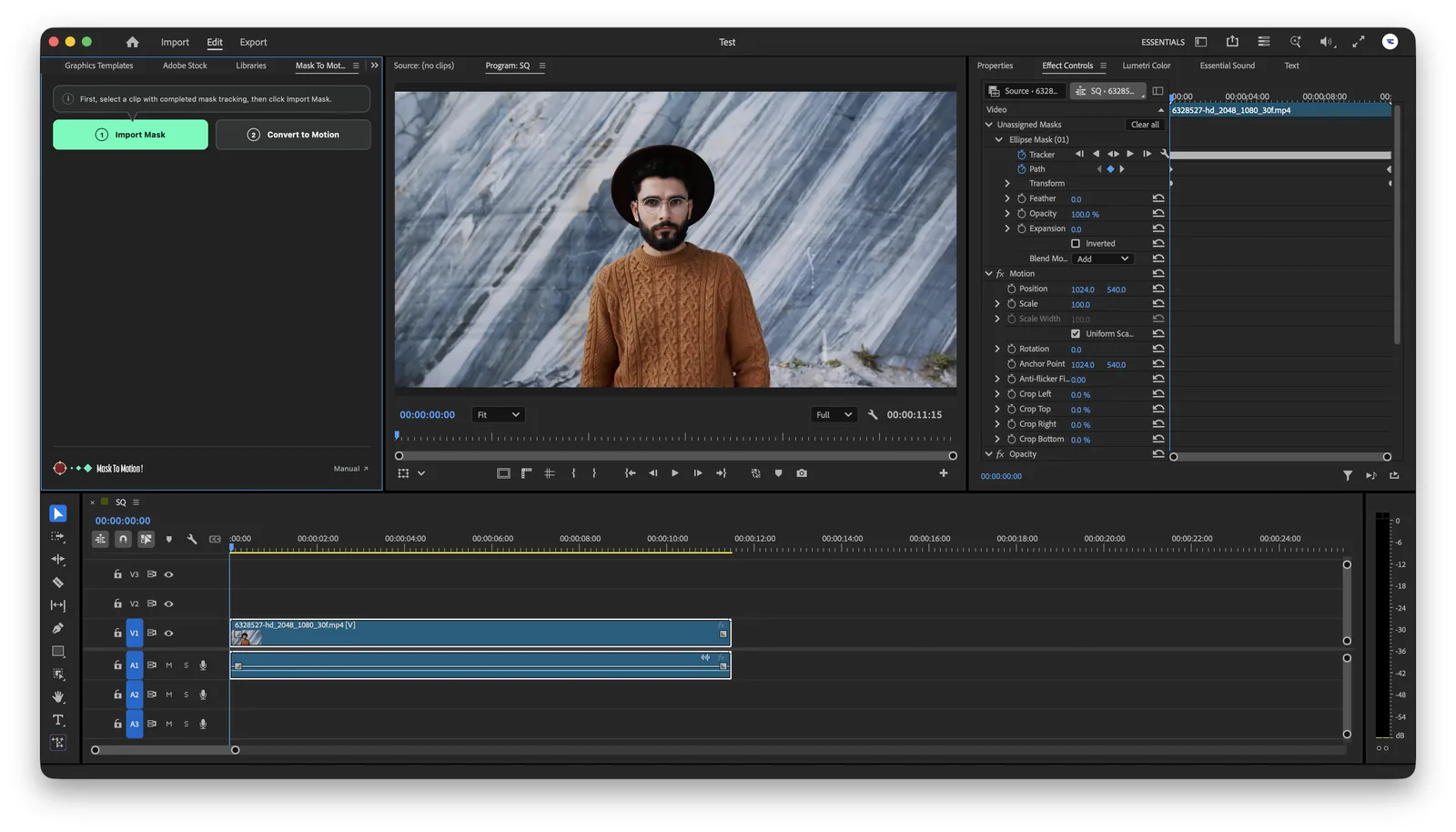
Now you can motion-track quickly and easily in Premiere.
You no longer need After Effects.
Adobe Premiere Pro 26.0 or later
The same result,
At least 3× faster
Finish in Premiere Pro without repetitive keyframing.
Handle Position, Rotation, and Scale in one pass—even when tracking is difficult in After Effects.
No complicated workflow required.
Anyone can do it in 10 seconds
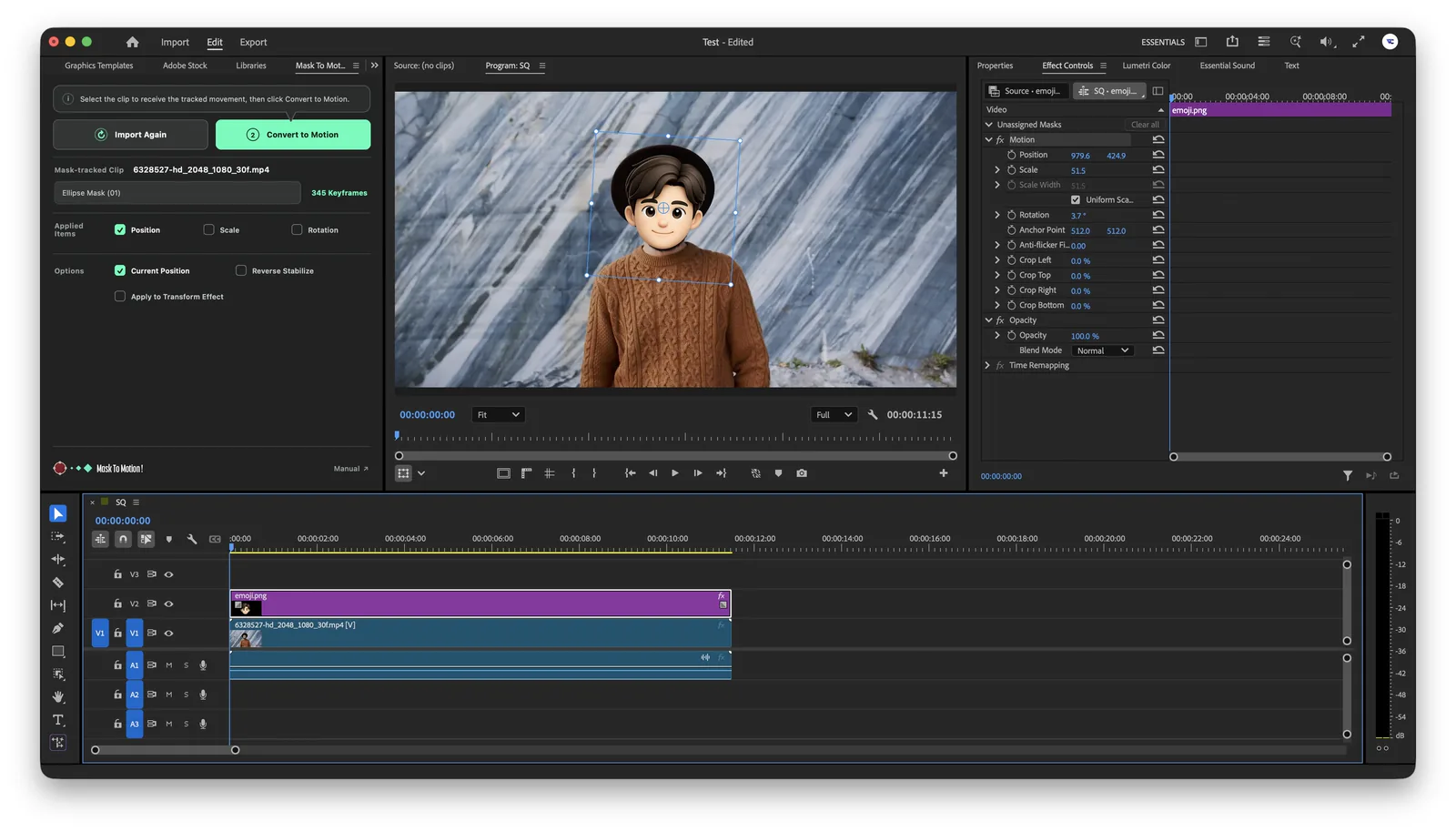
More ways to use it than you might expect.
Explore the different ways you can use Mask To Motion.
Motion blur support
Create more natural movement with Transform output and motion blur.
Reverse stabilization
Apply the tracked movement in reverse to make the subject appear locked in place.
Perspective tracking and screen replacement
Use Corner Pin output to fit an image naturally onto a display viewed at an angle.
Works with different clip settings
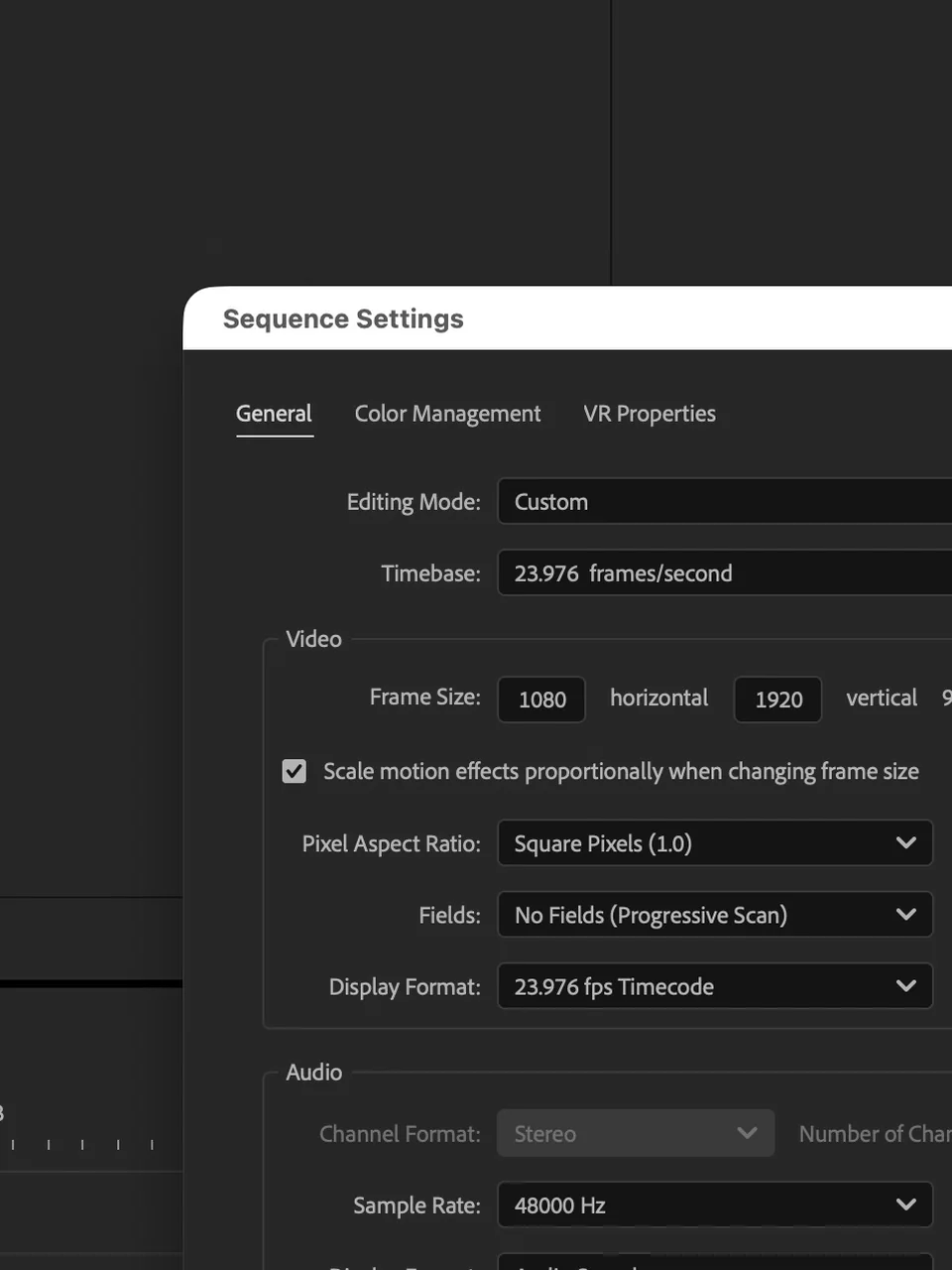
Apply tracked motion accurately even when clips have different resolutions, frame rates, or speeds.
Before you buy
Which languages are supported?
Korean, English, Japanese, Chinese, German, Spanish, and French are supported.
Can I use Object Mask?
Mask To Motion supports Object Mask tracking starting with version 1.3.0. Masks created with the Ellipse, Rectangle, and Pen tools are still supported. Update to version 1.3.0 or later to use Object Mask.
How is it different from standard mask tracking?
Mask To Motion does not make mask tracking more accurate. It converts Premiere Pro mask-tracking data into motion keyframes such as Position, Rotation, and Scale, allowing other clips—such as text, images, and video—to follow the tracked movement. Standard mask tracking is mainly used to isolate an area or apply an effect to part of the image.
Is there a monthly usage limit?
No. Mask To Motion is a one-time purchase, with no monthly limit on usage time or the length or amount of video you can process.
What happens to existing keyframes?
Existing keyframes within the target range will be removed. Back up any keyframes you need before applying the motion.
Can I apply motion blur to the movement?
Yes. Choose Transform output and the motion blur option to apply motion blur.
Is Position the only property I can apply?
No. You can choose Position, Rotation, Scale, and other properties. For perspective tracking, you can output the result to the Corner Pin effect instead.
How do I use it?
Mask To Motion
Specifications
- Supported app
- Adobe Premiere Pro 26.0 or later
- Supported operating systems
- Windows, macOS